
ADVERTISEMENT
TikTok Downloader HD - High Quality Video Downloads
Download TikTok videos in HD quality with Snaptik Now. Save videos without watermarks quickly and easily on any device. Enjoy fast, free, and unlimited
ADVERTISEMENT
ADVERTISEMENT
If you’ve ever stumbled upon an awesome TikTok video that you just had to keep, you’ve probably wished there was an easy way to download it in high-definition without that pesky watermark. Well, good news—you’re not alone! With over 1 billion users globally, TikTok continues to be the go-to platform for short-form content. From dance challenges to viral cooking hacks, there’s a ton of content you might want to save. Enter Snaptik Now your ultimate tool for downloading TikTok videos in HD without any hassle. Whether you’re on your desktop or mobile, Snaptik Now makes it incredibly easy to save those videos in top-notch quality. Ready to dive in? Let’s walk you through the process!
What is Snaptik Now and Why Use It?
So, what exactly is Snaptik Now? In simple terms, it’s an online tool that allows you to download TikTok videos in HD quality. But what makes it stand out from the rest? First of all, Snaptik Now lets you download videos without watermarks, which is a massive win if you’re planning to repurpose or share the video elsewhere. No more distracting logos or overlays—just clean, high-definition videos ready for you to enjoy offline or share with friends.
Another perk? It’s super easy to use. Unlike some other TikTok downloaders that might require you to install sketchy software or apps, Snaptik Now works directly from your browser. Whether you’re using a desktop, laptop, or even a smartphone, you can download videos quickly without the need for any extra tools or installations.
Plus, Snaptik Now provides HD downloads, ensuring that the quality stays intact even after downloading. We’ve all been there: trying to watch a low-quality video we downloaded, only to regret it because it looks terrible. With this tool, you’ll always get the best possible resolution for your saved content.
How to Download HD TikTok Videos Using Snaptik Now
Let’s get into the step-by-step process of how you can start downloading TikTok videos in HD using Snaptik Now. I promise—it’s simpler than you think!
-
Find the TikTok Video You Want to Download:
First, open TikTok and navigate to the video you want to save. Once you’ve found it, tap on the “Share” button (it looks like an arrow) on the side of the video. -
Copy the Video Link:
After tapping “Share,” you’ll see an option that says “Copy Link.” Click that, and the link to the video will be copied to your clipboard. -
Head Over to Snaptik Now:
Open your browser and type in Snaptik Now. You’ll land on the homepage, which has a simple interface and a large input box. -
Paste the Video Link:
In the input box, paste the link you copied earlier by right-clicking or tapping and holding (on mobile) and selecting “Paste.” -
Hit the Download Button:
Now, simply click on the “Download” button. Snaptik Now will process the link and present you with several download options, including HD. -
Select the HD Option:
Choose the HD download option to save the video in the best possible quality. And voilà! Your video will be saved to your device.
It’s as simple as that! Whether you’re on a desktop or mobile, the process is nearly identical, and the whole thing takes just a couple of minutes.
Is Snaptik Now Safe and Legal to Use?
Now, I know what you might be thinking—is this safe? And is it legal? Let’s address both questions.
Safety:
Yes, Snaptik Now is safe to use. It doesn’t require you to download any software or enter any personal information. Unlike some downloaders that might bombard you with ads or sketchy pop-ups, Snaptik Now keeps things pretty clean. Just stick to downloading through the official site, and you’ll be fine.
Legalities:
As for the legality of downloading TikTok videos, it’s a bit of a gray area. TikTok’s terms of service suggest that videos are for viewing only on their platform. However, downloading videos for personal use, such as offline viewing, is generally okay. That said, it’s important to respect the rights of the creators. If you plan to share or repurpose the content, make sure you give proper credit or get permission. Always use downloaded content ethically!
Top 5 Benefits of Using Snaptik Now for HD Downloads
-
High-Quality, Watermark-Free Downloads:
One of the biggest draws of Snaptik Now is that it downloads videos in high definition while removing the watermark. This makes your downloads look cleaner and more professional. -
No Software Installation Needed:
You don’t have to worry about downloading additional software, which can sometimes be risky or slow down your computer. Snaptik Now works directly in your browser, no fuss! -
Fast Downloads:
Have you ever tried using a TikTok downloader, only to wait forever for the video to download? Yeah, it’s annoying. But with Snaptik Now, the process is quick and efficient. -
Works on Both Desktop and Mobile:
Whether you’re on your computer or using your smartphone, Snaptik Now is compatible with both. You can easily switch between devices and still get the same quality downloads. -
User-Friendly Interface:
Even if you’re not super tech-savvy, the interface of Snaptik Now is straightforward. You won’t have to dig through complicated menus or deal with confusing options. Just paste, click, and download.
Troubleshooting Common Issues on Snaptik Now
Sometimes, things don’t always go smoothly. Here are a few common problems and how to fix them:
-
Slow Downloads:
If your download is taking too long, try checking your internet connection. You can also refresh Snaptik Now and try again. -
Video Quality Issues:
Noticed that the video isn’t as crisp as you hoped? Make sure you’re selecting the HD option when downloading, as this ensures the best quality. -
Broken Links or Errors:
Occasionally, you might run into an issue where the video link doesn’t work. In that case, double-check that you’ve copied the link correctly and try again.
Alternatives to Snaptik Now for Downloading TikTok Videos
While Snaptik Now is a fantastic tool, you might want to explore other options if you’re looking for additional features. Here are a few alternatives to consider:
-
SSSTikTok:
A popular TikTok downloader that also offers HD downloads without watermarks. -
SnapTik:
SnapTik provides a mobile-friendly option to download videos quickly, with the ability to save in multiple formats. -
MusicallyDown:
Another solid choice that supports TikTok video downloads without watermarks and in high quality.
Each of these tools has its own pros and cons, but if you’re after simplicity and fast downloads, Snaptik Now is hard to beat!
Conclusion
And there you have it—a complete guide to using Snaptik Now to download TikTok videos in HD! Whether you’re looking to save videos for offline viewing or need content for a personal project, Snaptik Now offers a fast, easy, and reliable solution. Just remember to respect the creators and enjoy the content you download responsibly. Have you used Snaptik Now before? Let us know your thoughts or any tips in the comments below!
Happy downloading!
How to Download TikTok Videos Easily
Step-by-step guide in your requested format for using Snaptik Now to download TikTok videos:
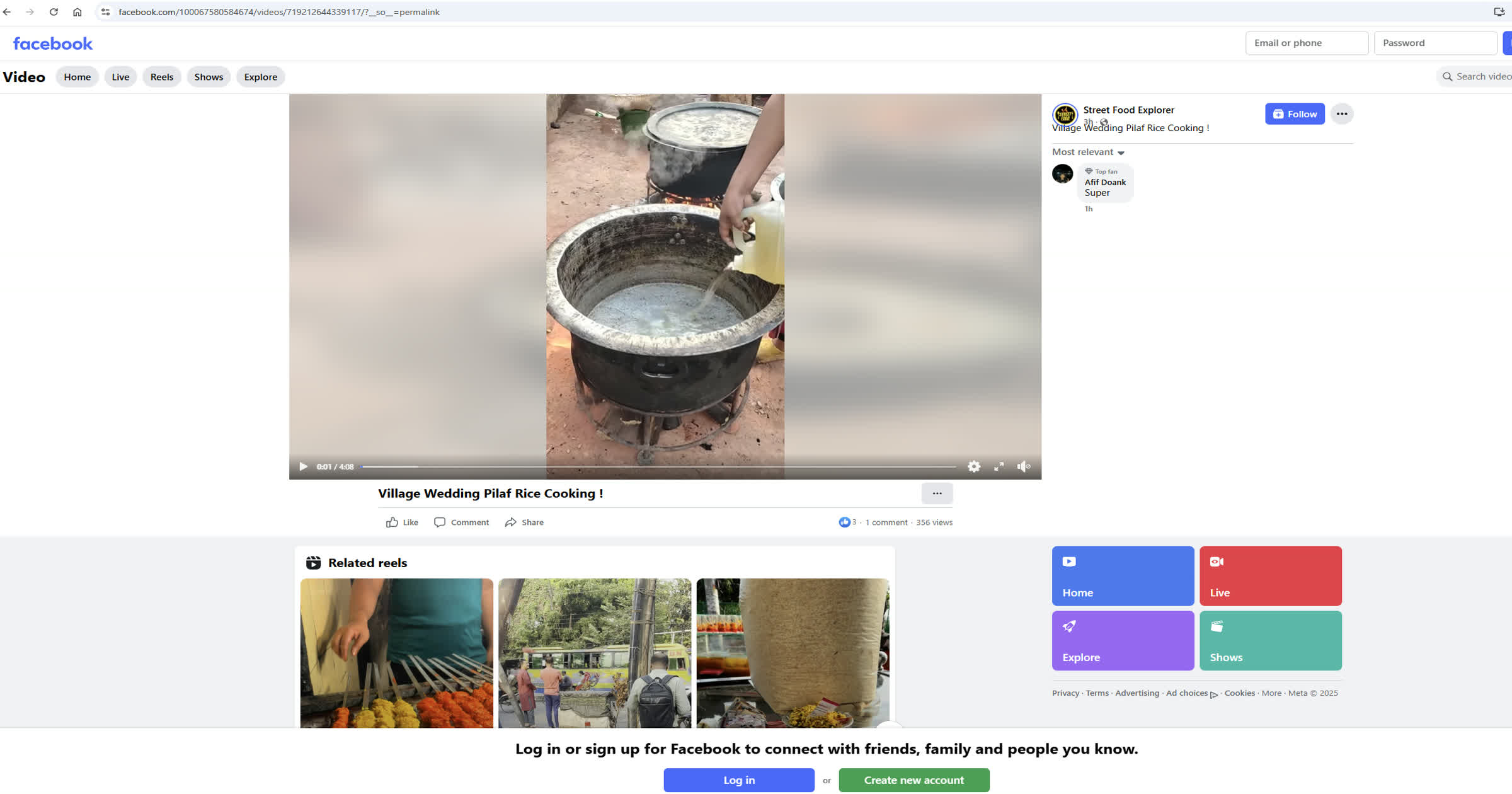
Copy TikTok Video URL
Open TikTok and find the video you want to download. Tap the 'Share' button and select 'Copy link' to copy the video URL.
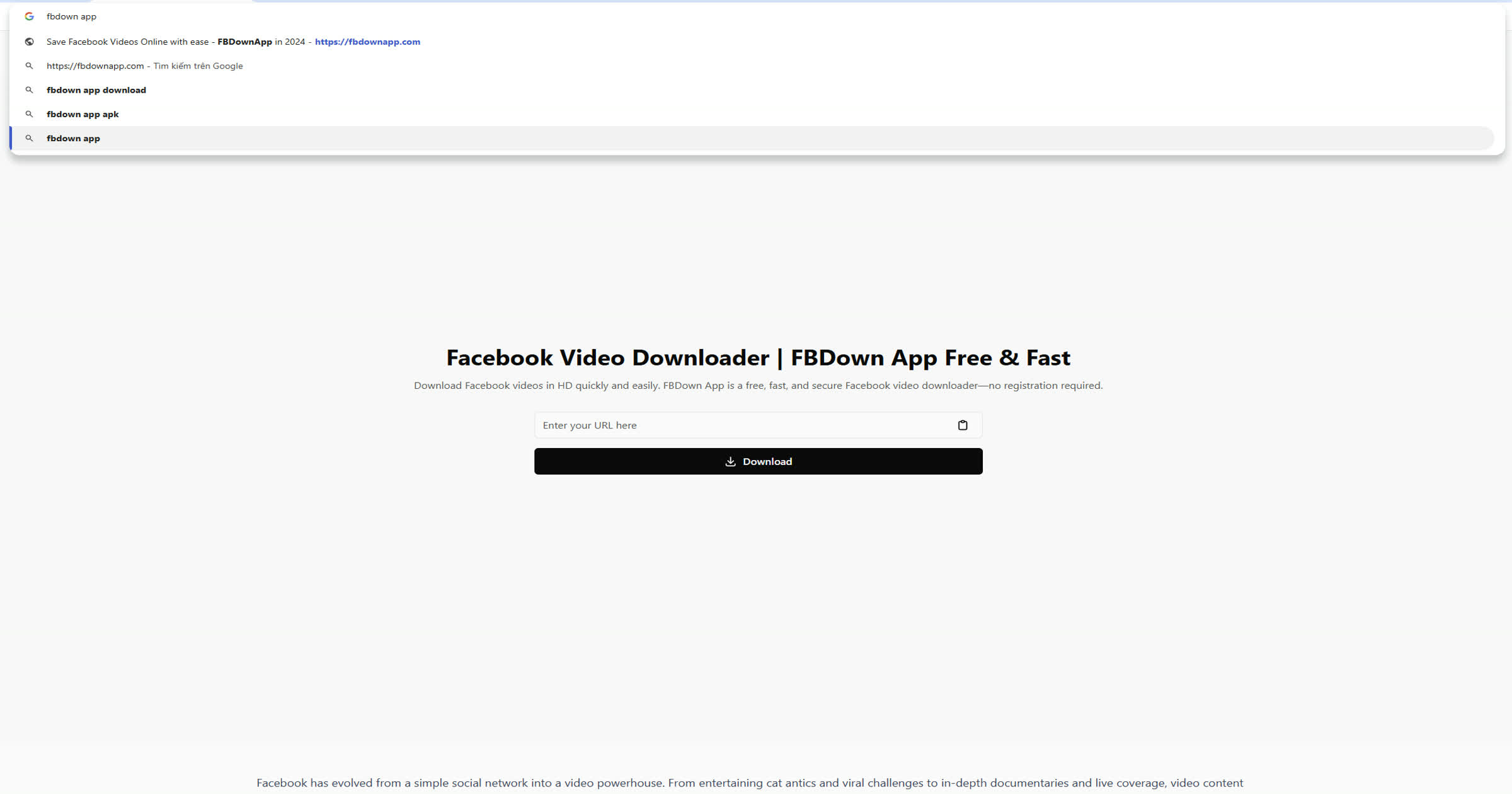
Paste Video Link
Go to Snaptik Now in your browser. Paste the copied TikTok video URL into the input box on the homepage.

Generate Download Link
Click the 'Download' button. Snaptik Now will process the link and provide download options for available video qualities.
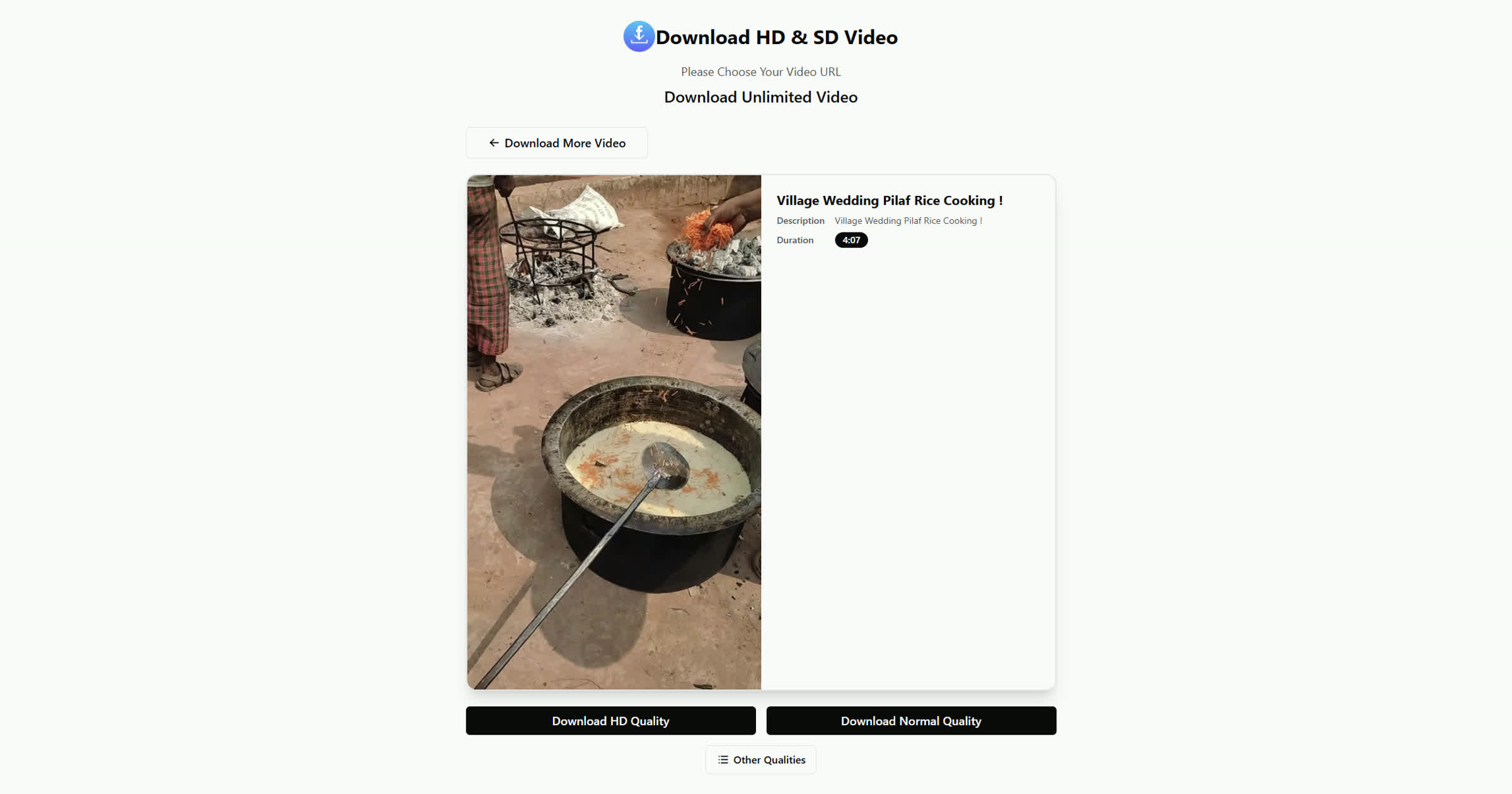
Download Video
Select your preferred video quality (HD or SD), then click the download link to save the video to your device.
Frequently Asked Questions
Snaptik Now is an online tool that allows users to download TikTok videos in HD without watermarks. It is easy to use, works on both mobile and desktop, and doesn’t require any software installation.
To download TikTok videos in HD, copy the video link from TikTok, paste it into the Snaptik Now input box, and click 'Download'. You can then select the HD download option for the highest quality video.
Yes, Snaptik Now provides the option to download TikTok videos without any watermark, ensuring you get a clean, high-quality version of the video.
Yes, Snaptik Now is completely free. There are no hidden fees, subscriptions, or account requirements to use the service.
Downloading TikTok videos for personal use is generally allowed, but it’s important to respect copyright laws. Always credit the original creator or get permission if you plan to repurpose or share the content.
Yes, Snaptik Now works on both mobile and desktop browsers. Whether you're using an iPhone, Android, or a computer, you can easily download TikTok videos in HD.
Slow downloads or errors can often be attributed to an unstable internet connection. Ensure you have a strong connection and that you've copied the correct TikTok link before retrying the download.
Yes, alternatives include SSSTikTok, SnapTik, and MusicallyDown. While these also offer HD downloads without watermarks, Snaptik Now is preferred for its simplicity and speed.